


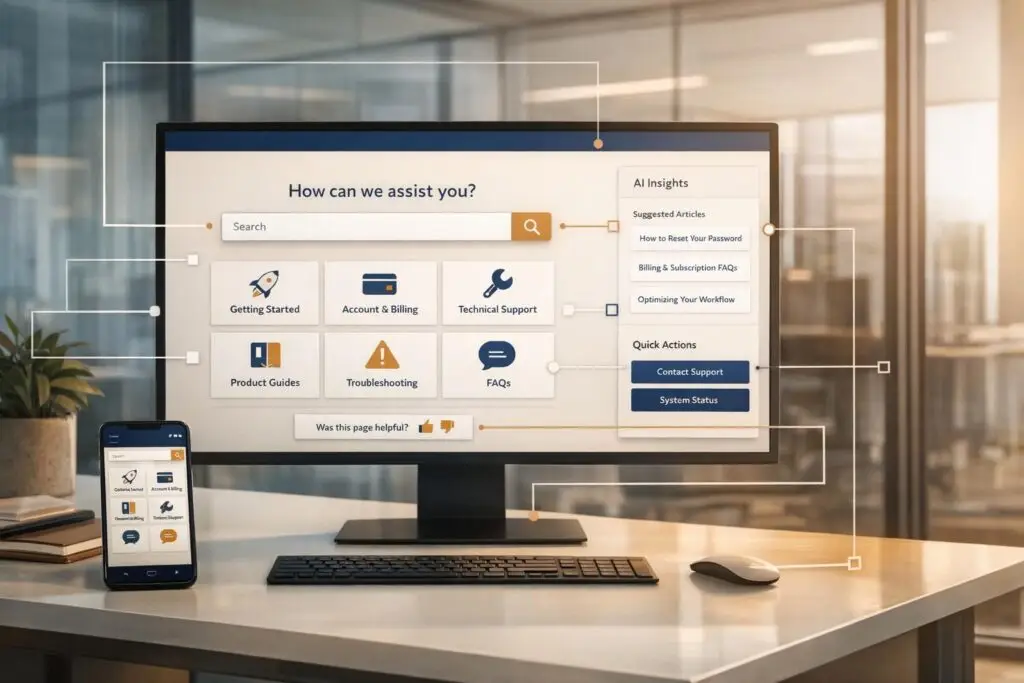
A strong knowledge base is key to reducing support tickets, speeding up resolutions, and improving customer satisfaction. This article examines six standout help centers – Slack, HubSpot, Asana, AWS, Shopify, and Supportbench – to identify what makes them effective. Here’s what sets them apart:
- Search Functionality: Slack and Shopify prioritize search-first designs, ensuring users find answers quickly.
- Content Structure: HubSpot and AWS excel in organizing resources by product, role, or function to simplify navigation.
- AI Integration: Supportbench leads with AI-powered tools like real-time agent support, automated article creation, and predictive analytics.
- Mobile Responsiveness: Shopify emphasizes mobile-friendly designs, catering to modern user preferences.
- Feedback Mechanisms: Platforms like Slack and HubSpot use surveys to refine and improve content.
Quick Comparison
| Platform | Key Strength | AI Features | Best For |
|---|---|---|---|
| Slack | Search-focused design | Limited | Enterprise teams |
| HubSpot | Structured hierarchies | Basic AI chatbot | Marketing & sales teams |
| Asana | Role-based resources | Minimal personalization | Project management |
| AWS | Technical depth | Minimal conversational AI | Developers & IT teams |
| Shopify | Mobile-friendly navigation | Basic AI tools | E-commerce businesses |
| Supportbench | AI-driven support tools | Full AI suite integrated | Complex B2B needs |
To build a successful knowledge base, focus on clear organization, AI-powered search, and regular updates. Platforms like Supportbench demonstrate how AI can transform help centers into cost-efficient, customer-focused resources.
Knowledge Base Platform Comparison: Features and Capabilities for B2B Support
What Are Knowledge Base Content Organization Best Practices?
1. Slack‘s Help Center
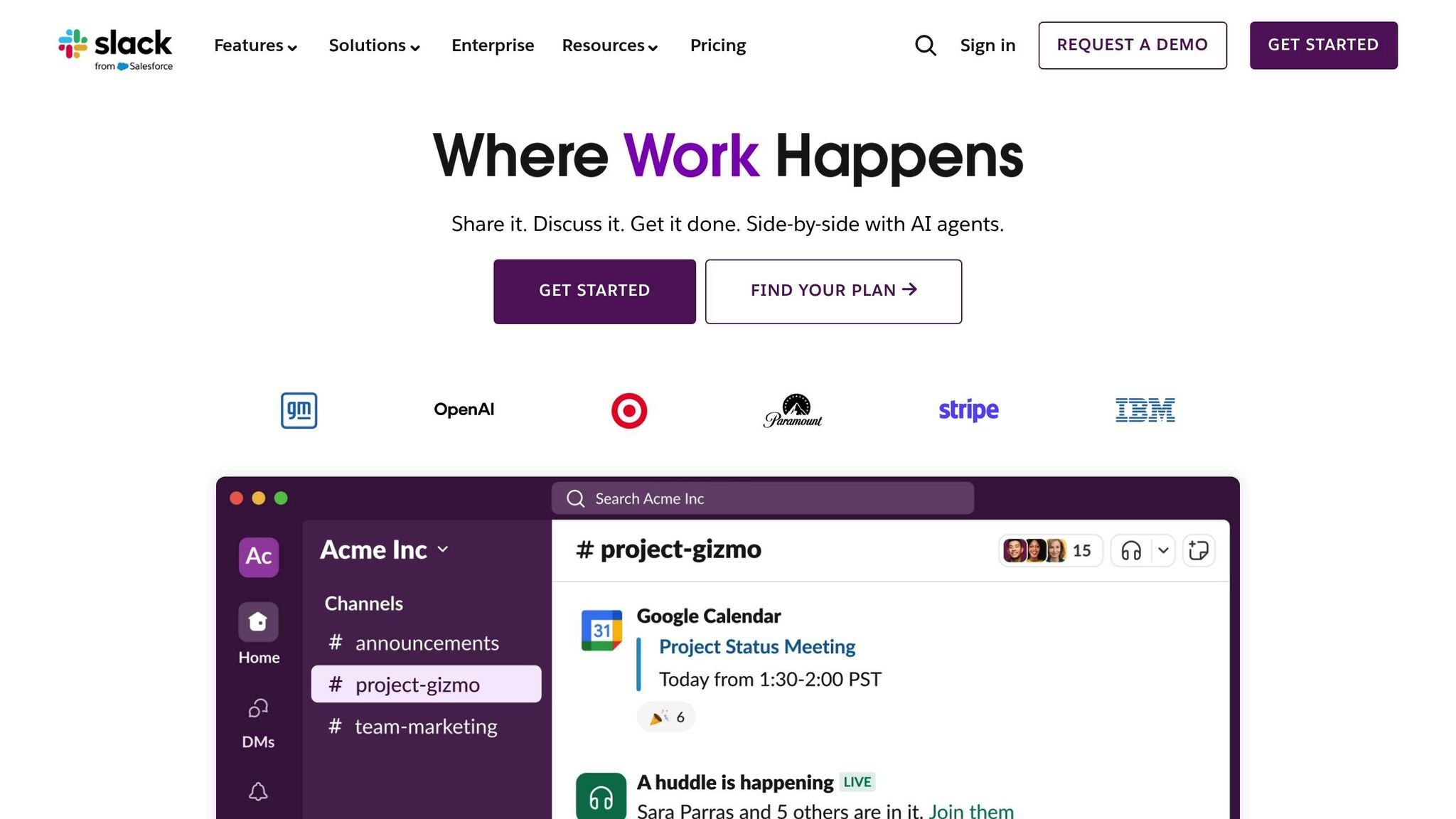
Slack’s help center supports over 12 million daily active users, designed to handle large-scale support needs effectively. The platform uses a search-first interface, featuring a prominent search bar at the top of every page, along with quick links to common issues. This setup addresses a critical customer expectation – 37.2% of users want resolutions in under 4 hours, and 26.3% expect them within 30 minutes.
The help center is organized into six main categories: Getting Started, Using Slack, Your Profile & Preferences, Connect Tools & Automate Tasks, Workspace Administration, and Tutorials & Videos. To save users time, articles include plan-specific labels (Pro, Business+, Enterprise Grid), ensuring customers don’t waste time on features unavailable to their subscription. Additionally, tabbed content within articles simplifies instructions for different user scenarios, keeping the layout clean and minimizing unnecessary scrolling.
Slack’s internal tool, Agentforce, leverages natural language processing and integrates with third-party tools like Google Drive, Jira, and Salesforce. This unified, searchable hub reduces context-switching, enabling support teams to resolve cases faster. For example, in 2024, Intuit QuickBooks adopted a custom AI-powered knowledge base within Slack to assist its support teams. As a result, the company resolved cases 36% faster and experienced measurable improvements in their Net Promoter Score (NPS).
"A modern knowledge base doesn’t just organize information; it delivers answers within your workflow when you need them." – Slack
Slack also integrates real-time status updates directly into the help center. A real-time status bar on the homepage keeps users informed about platform-wide issues. Furthermore, almost every article concludes with a simple CSAT survey, creating a feedback loop that allows Slack to refine and improve its content continuously. By combining AI-powered search, role-based navigation, and subscription-specific guidance, Slack’s help center stands out as a highly effective resource for enterprise-scale teams.
2. HubSpot‘s Knowledge Base
HubSpot organizes its knowledge base by both product and function, creating a structure centered around its core hubs – Marketing, Sales, Service, CRM, and Commerce – along with functional areas like Account & Setup, Automation, Data, and Reporting. This setup allows users to quickly find the tools and resources they need. It also lays the groundwork for HubSpot’s advanced search and AI-powered features.
At the heart of the knowledge base is a prominent search bar, boosted by the AI chatbot Breeze, which provides instant answers and article suggestions. This feature caters to a key customer preference: 67% of users favor self-service options over speaking to a representative.
HubSpot’s platform can accommodate up to 25 segmented knowledge bases and 10,000 articles, with SSO and access controls to manage sensitive content. Beyond these controls, HubSpot integrates a variety of resources into one cohesive system, including technical how-to guides, developer API documentation, video-based Academy lessons, and community-driven discussion forums. Articles are equipped with helpful features like breadcrumb navigation and "Highest rated" sections, ensuring users can quickly access the most effective content. Additionally, a "Was this article helpful?" feedback option on every article creates a feedback loop, helping identify areas for improvement.
To further enhance usability, HubSpot offers customizable templates for the knowledge base home page. Options include "Content Rich" (displaying five articles per category), "Tiles" (icons and descriptions), and "Minimal" (icons only), enabling organizations to tailor the layout to their content strategy. These flexible designs help B2B support teams deliver efficient, AI-driven customer service. For global operations, HubSpot supports multi-language article creation, using language-specific slugs in URLs to ensure SEO-friendly and localized user experiences.
3. Asana‘s Resource Center
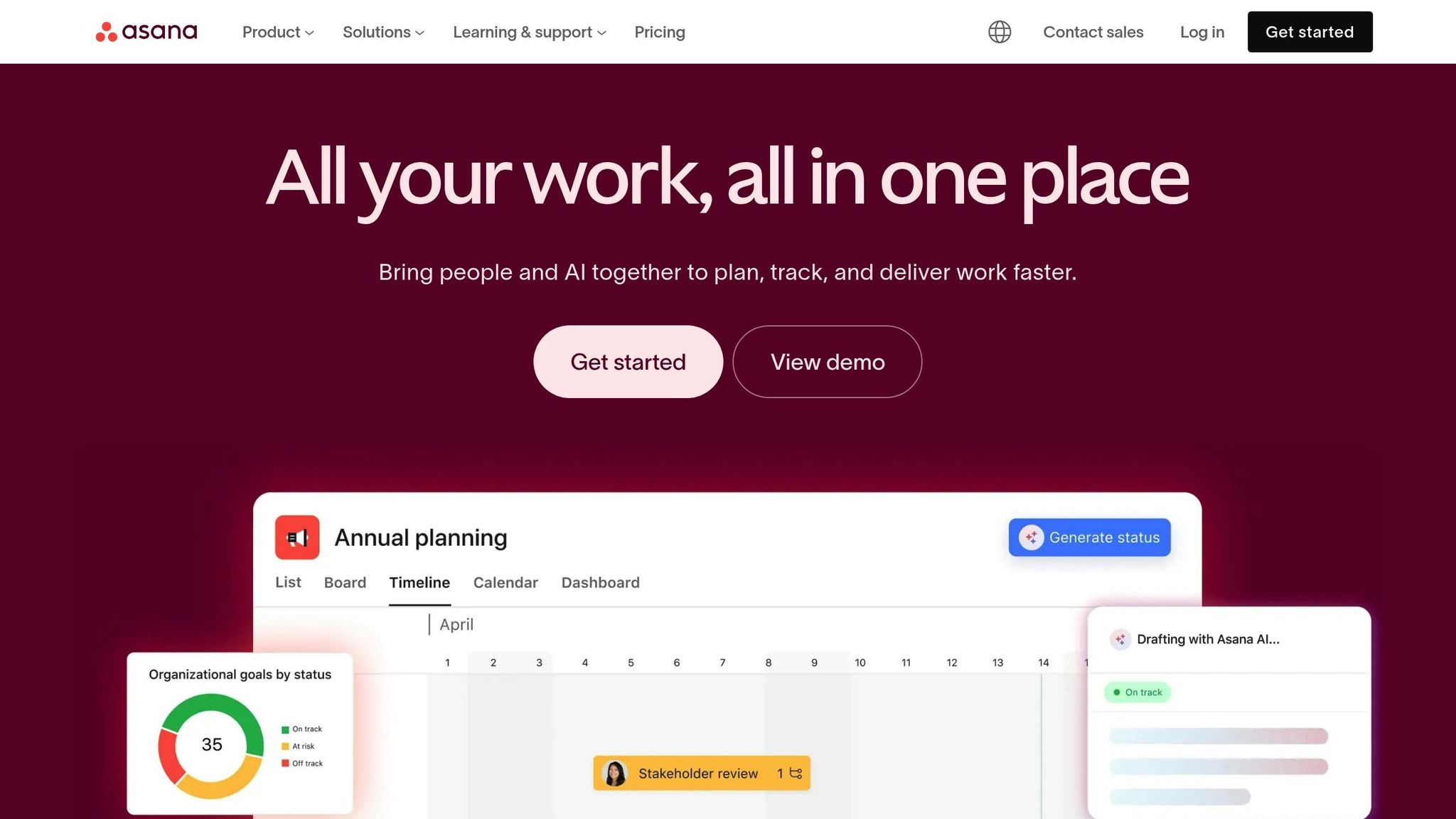
Asana’s Resource Center is thoughtfully designed to guide B2B teams through a step-by-step process of adopting and scaling the platform. The structure starts with individual basics, progresses to team onboarding, and culminates in enterprise-wide implementation. This phased approach not only simplifies the learning curve but also reinforces best practices for AI-driven support operations.
The content is further tailored to meet users’ specific needs, categorized by both skill level and role. For instance, beginners can dive into 15-minute sessions, while intermediate users can explore more advanced 30-minute modules. Beyond proficiency, resources are also organized by department – such as Marketing, Operations, and IT – and by business goals like Strategic Planning or Workflow Automation. This layered organization ensures users can quickly find what aligns with their role and immediate objectives.
One of the standout aspects of Asana’s approach is its commitment to standardized terminology. Sarah Laoyan, Editorial Lead at Asana, highlights the importance of this consistency:
"Choosing one standardized name and using it throughout your organization eliminates confusion."
The Resource Center also offers a range of practical tools for B2B teams, including email templates, project checklists, and even an ROI Calculator to help quantify the platform’s value. Users can track their progress within the center, seeing which articles they’ve completed – an especially useful feature for navigating complex onboarding processes.
Additionally, Asana has dedicated sections focused on AI and automation. These areas provide research-backed insights to enhance support efficiency. When new features are introduced, tasks are automatically assigned to the User Operations team to ensure documentation is updated promptly with fresh screenshots and details. This proactive approach keeps the Resource Center both relevant and highly effective for its users.
4. AWS Documentation Hub
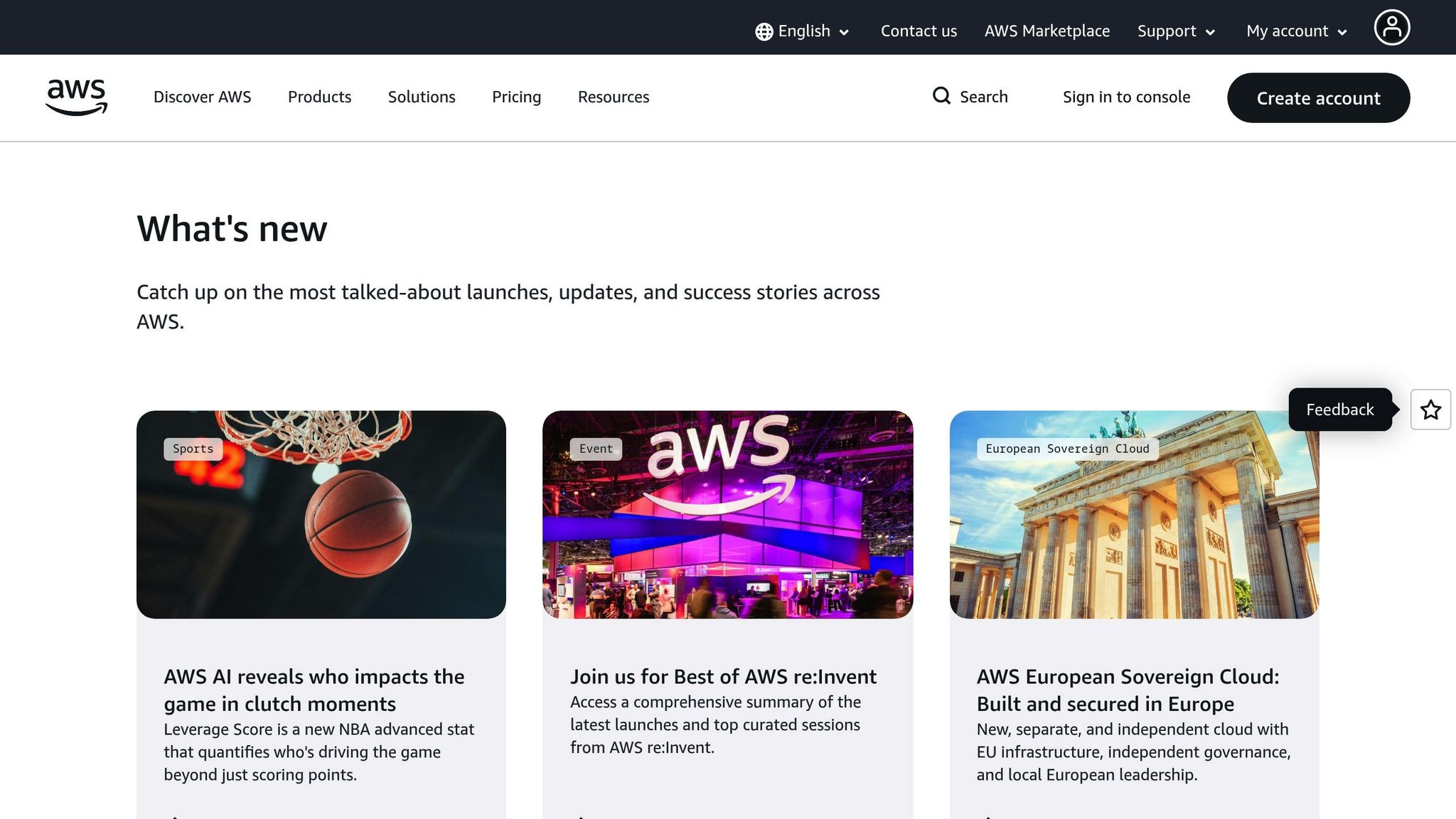
The AWS Documentation Hub is a treasure trove of resources, covering over 332 products neatly organized into 32 functional categories like Analytics, Compute, Machine Learning, and Security. A handy left-hand sidebar displays the number of products in each category, making navigation intuitive and preventing information overload. This thoughtful structure lays the groundwork for AWS’s role-specific documentation, which we’ll explore further.
Instead of offering generic guides, AWS tailors its content to specific roles. For instance, beginners can dive into Getting Started tutorials, while builders can explore Hands-on Tutorials. Developers have access to detailed API References, and DevOps professionals can rely on CLI References. Beyond these, AWS provides an Architecture Center for system design insights and a Solutions Library filled with vetted guidance for tackling particular business and technical challenges. Developers will also appreciate the Code Example Library and SDKs that support multiple programming languages, including Java, Python, and Rust.
To enhance the developer experience, AWS integrates tools like Amazon Q Developer for real-time coding assistance and Amazon Kendra for natural language queries. These tools are particularly useful, considering that around 81% of customers try to troubleshoot issues independently before seeking live support.
AWS’s advanced search features are complemented by a seamless support system. For example, AWS re:Post offers expert-reviewed answers and curated knowledge paths. If self-service resources fall short, users can escalate their issues via integrated support tickets – without ever leaving the documentation hub. This smooth transition from self-help to live support ensures that technical teams can move quickly from troubleshooting to resolution.
For technical leaders and power users, AWS provides terminal-friendly content, complete with CLI examples and API snippets. Additionally, its Prescriptive Guidance delivers strategies that help organizations adopt and scale cloud solutions efficiently. By combining AI-enhanced documentation with robust technical resources, AWS not only reduces support costs but also equips B2B teams with the tools they need to operate effectively and at scale.
sbb-itb-e60d259
5. Shopify Help Center

Shopify puts merchants front and center when it comes to knowledge management, organizing its resources into practical categories like "Getting started with Shopify," "Selling on Shopify," "Payments on Shopify," and "Shipping with Shopify". A key feature is its search-focused design, which includes a prominent search bar with auto-suggestions based on common merchant questions. This helps users find answers quickly and efficiently. For additional ease, visual navigation cards highlight popular topics like shipping and returns, while category buttons allow users to dive into specific issues with minimal effort. This streamlined setup lays the groundwork for Shopify’s cutting-edge AI support tools.
One standout feature is Shopify Magic, an AI assistant that pulls information from store policies and product data to provide instant responses to frequently asked questions. For example, in 2025, Lush introduced the "Marvin" AI assistant, and Loop Earplugs implemented a chatbot capable of accessing real-time order details – both significantly reducing the workload for customer support teams.
To make its help center even more accessible, Shopify offers multilingual support in 20 languages, including English, Chinese, French, German, and Spanish. A great example of this in action is Mejuri, a fine jewelry brand that designed its help page with three large visual cards for "Shipping & Fees," "Returns," and "Jewelry Care," followed by nine category buttons to simplify navigation. This setup caters to the increasing demand for self-service options from users worldwide.
In addition to its AI-powered tools, Shopify ensures merchants can reach out for human assistance when needed. Every help center page features "Contact Us" buttons or live chat options, making it easy to escalate more complex issues to a human representative. This balance acknowledges that while AI can handle routine questions, more nuanced B2B challenges require the judgment and empathy of a real person.
6. Supportbench – Cost-Efficient AI Customer Support & Success Platform
Supportbench integrates AI throughout the entire process of content creation and delivery, making customer support smarter and more efficient. Instead of having support teams manually write articles, the platform uses a one-click system to automatically turn resolved tickets into well-structured knowledge base articles. Each solution is captured instantly and adheres to Knowledge-Centered Service (KCS) standards. The AI takes care of tagging, categorizing, and organizing every article, ensuring the repository stays consistent and user-friendly. This automation lays the groundwork for better support tools for agents.
On top of instant article creation, Supportbench’s AI Co-Pilot takes things to the next level. This tool doesn’t just search the knowledge base – it actively pulls relevant information in real time to suggest responses for agents, summarize past interactions, and recommend the best next steps based on case history. For customers using the self-service portal, natural language processing makes the experience more conversational. Instead of just showing a list of links, it directly answers questions, delivering the fast and accurate solutions that today’s B2B customers expect.
Supportbench also stands out by improving operational efficiency without driving up costs. For example, its AI-powered quality assurance reviews every ticket for tone, empathy, and accuracy, eliminating the need for separate QA tools. Intelligent case prioritization ensures that critical issues are addressed first, ranking tickets based on urgency, customer importance, and contractual obligations. This minimizes risks to service-level agreements (SLAs). Eric Klimuk, Founder and CTO of Supportbench, highlights this approach, saying:
"This evolution elevates the support function from cost center to value driver".
Additionally, Supportbench offers customizable portals that integrate with existing business tools. Role-based access controls let teams manage both internal and external knowledge bases within a single system. This means internal documentation stays accessible for agents while customer-facing content remains clear and easy to navigate. The platform also connects with tools like Salesforce and JIRA, creating a seamless flow of information across different systems.
Unlike older platforms that treat AI as an expensive add-on, Supportbench includes features like predictive CSAT and CES scoring, sentiment analysis, and automated triage at no extra cost. These tools help B2B teams increase productivity without needing to hire more staff, addressing the growing demand for cost-effective operations while still enhancing customer experiences. Plus, its no-code automation removes the need for heavy IT involvement, making enterprise-level tools accessible to teams of all sizes.
Comparison: Strengths and Weaknesses
Looking at these knowledge bases reveals how much they’ve evolved – or in some cases, haven’t – to meet the growing demands of AI-driven support. Each platform has its own strengths, but not all are equipped to handle the complexities of modern B2B support.
Slack’s Help Center is a great example of a search-focused design. Its navigation is built for users who know exactly what they’re looking for, cutting down on unnecessary clicks. However, as a legacy platform, it falls short when it comes to advanced AI features like automated content gap analysis or dynamic content generation – both of which are essential for today’s B2B needs.
HubSpot’s Knowledge Base does a solid job with its structured hierarchies and collections, making it easier for new users to discover features. But it misses the mark on real-time agent support and predictive analytics, which are critical for resolving complex technical issues.
Asana’s Resource Center shines with its clean design and seamless in-app accessibility, so users can find answers without breaking their workflow. That said, it lacks AI-driven personalization and triage tools, which can be a dealbreaker for teams managing a large number of accounts.
AWS Documentation Hub is a powerhouse for technical content, offering detailed examples and code snippets. Yet, its vast amount of information can overwhelm users, and it doesn’t include conversational AI to simplify navigation.
Shopify Help Center stands out for its mobile-friendly design, which is a big deal since 65% of customers now prefer mobile-responsive platforms. While it’s great for transactional support, it doesn’t fully address the long-term, relationship-focused cases that are common in B2B environments.
These examples highlight the range of capabilities, from older systems to platforms built with AI at their core. Supportbench, for instance, is an AI-native platform that directly addresses the gaps left by legacy systems. It offers features like one-click article creation from resolved tickets, an AI Co-Pilot for real-time agent support, and predictive CSAT scoring. On top of that, it includes automated quality assurance, intelligent case prioritization, and role-based access controls – all within a single platform. This integration is especially important considering that contact center labor can account for up to 95% of operating costs. For B2B teams under pressure to cut costs while improving customer experiences, Supportbench provides a cost-effective and efficient solution.
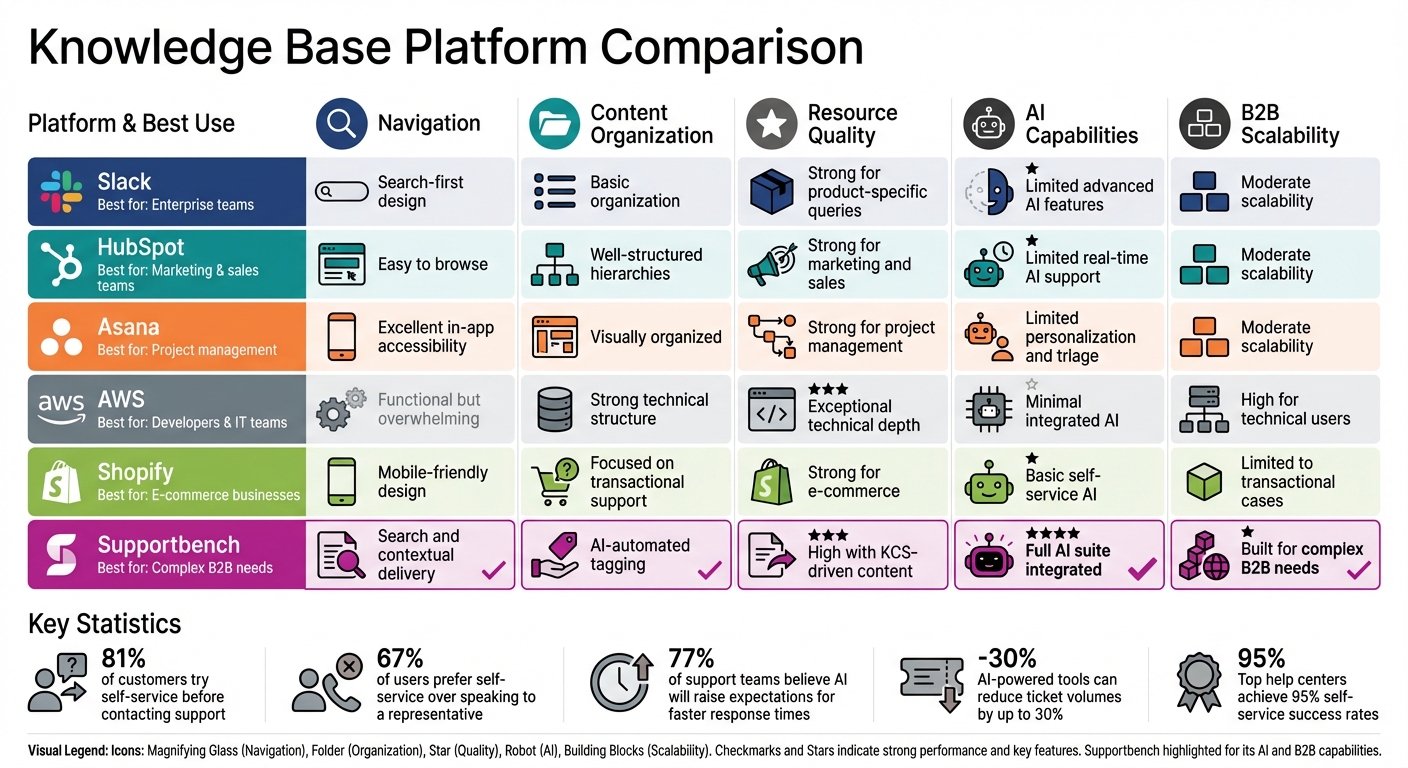
Here’s a breakdown of how these platforms stack up across five key dimensions for B2B support:
| Platform | Navigation | Content Organization | Resource Quality | AI Capabilities | B2B Scalability |
|---|---|---|---|---|---|
| Slack | Search-first design | Basic organization | Strong for product-specific queries | Limited advanced AI features | Moderate scalability |
| HubSpot | Easy to browse | Well-structured hierarchies | Strong for marketing and sales | Limited real-time AI support | Moderate scalability |
| Asana | Excellent in-app accessibility | Visually organized | Strong for project management | Limited personalization and triage | Moderate scalability |
| AWS | Functional but overwhelming | Strong technical structure | Exceptional technical depth | Minimal integrated AI | High for technical users |
| Shopify | Mobile-friendly design | Focused on transactional support | Strong for e-commerce | Basic self-service AI | Limited to transactional cases |
| Supportbench | Search and contextual delivery | AI-automated tagging | High with KCS-driven content | Full AI suite integrated | Built for complex B2B needs |
This comparison makes it clear: AI-native platforms like Supportbench are better equipped to handle the demands of modern B2B support. With 77% of support teams believing AI will raise customer expectations for faster response times, Supportbench rises to the challenge by cutting response times by as much as 97% through its advanced AI tools. In contrast, older platforms often rely on third-party integrations to offer similar capabilities, which can be less efficient. For B2B teams managing complex customer relationships, long-term cases, and renewal-driven goals, choosing between fragmented legacy systems and a unified, AI-powered platform can have a major impact on both cost efficiency and customer satisfaction.
Conclusion
The most effective knowledge bases combine AI-powered search, intuitive content organization, seamless self-service, and proactive feedback loops. Together, these features create a centralized resource that speeds up issue resolution and boosts customer satisfaction. Considering that 81% of customers try to solve problems independently before reaching out to support, and 77% have a more favorable view of companies offering self-service options, building a robust help center is more than just a good idea – it’s a must for modern B2B teams.
To keep your help center relevant and useful, conduct regular audits. Start by reviewing outdated yet high-traffic articles, ensure documentation aligns with the latest product updates, structure content with clear headers and simple, everyday language for better AI readability, and address content gaps identified through search analytics.
For teams looking to take things further, AI-native platforms like Supportbench offer game-changing tools like one-click article creation, real-time AI support, and automated quality checks. These features not only improve efficiency but also cut costs – helping B2B teams manage complex customer relationships more effectively.
Prioritize high-impact content such as FAQs and "Getting Started" guides, and use multimedia elements to simplify complex topics. Activate feedback loops so support agents can easily flag outdated information during their daily tasks. With AI-powered tools reducing ticket volumes by up to 30% and top-performing help centers achieving self-service success rates as high as 95%, the benefits are both measurable and immediate.
A great help center is never static. It evolves alongside your product and customers. By adopting best practices from companies like Slack, HubSpot, Asana, AWS, and Shopify, and integrating AI-driven advancements, your help center can transform into a dynamic resource that enhances customer satisfaction while driving down costs.
FAQs
How can AI improve the effectiveness of a knowledge base?
AI takes the functionality of a knowledge base to the next level by automating tasks like content creation, organization, and updates. It can process raw data – like customer questions or support tickets – and turn it into clear, easy-to-follow resources. This ensures the knowledge base remains current, well-structured, and user-friendly. On top of that, AI pinpoints recurring issues and frequently asked questions, enabling teams to address customer concerns more effectively.
AI-powered tools also make self-service more accessible by delivering instant, personalized support via chatbots or virtual agents. These tools cut down on the need for human involvement, simplify workflows, and speed up problem resolution – all of which contribute to happier, more satisfied customers.
What makes a help center effective and user-friendly?
An effective help center is all about simplicity and ease of use. By focusing on intuitive navigation and organizing content clearly, it ensures users can quickly find the help they need. Features like well-defined categories, a strong search tool, and accessible menus make it easy to locate FAQs, guides, or troubleshooting resources without any hassle.
The content should always be precise, current, and practical. Including step-by-step guides, troubleshooting advice, and visual aids like images or videos can make instructions easier to follow and more engaging. Regular updates are essential to keep the help center aligned with new product features or policy changes.
Many modern help centers now use AI-driven tools to enhance the experience. Automated responses, personalized suggestions, and seamless support across multiple channels make it easier for users to get answers. This smart approach not only speeds up resolutions and boosts customer satisfaction but also helps businesses cut down on support costs.
Why is it important for a knowledge base to work well on mobile devices?
A mobile-responsive knowledge base is crucial because it allows users to effortlessly access and navigate content on any device, especially smartphones and tablets. With mobile internet usage now accounting for over half of global online activity, failing to optimize your knowledge base for mobile can lead to frustration, lower engagement, and dissatisfied customers.
A mobile-friendly design adapts layouts, text, and interactive elements to fit smaller screens, making it easier for users to quickly find the answers they need. It also boosts search engine rankings, increasing the visibility of support articles. For modern B2B support teams, mobile responsiveness plays a key role in reducing escalations by enabling customers to solve problems on their own, regardless of the device they prefer. This directly enhances user experience, streamlines operations, and contributes to the overall success of your support efforts.






