Customer Effort Score (CES) measures how easy it is for customers to solve problems or complete tasks with your business. Lowering CES can improve loyalty, reduce churn, and increase revenue. The right tools can help by automating workflows, providing instant feedback, and simplifying customer interactions. Here’s a quick rundown of 10 tools designed to lower CES:
- Supportbench: AI-powered ticket routing, predictive CES scoring, and self-service tools.
- Zonka Feedback: Multichannel feedback collection with AI for sentiment analysis.
- Delighted: Real-time feedback and AI-driven insights for recurring issues.
- ProProfs Survey Maker: AI-generated surveys and multilingual support.
- Qualaroo: In-the-moment surveys with sentiment analysis.
- Qualtrics: Advanced AI for feedback collection and real-time agent assistance.
- InMoment: Sentiment analysis and predictive tools for customer insights.
- SurveySparrow: Conversational surveys with automated follow-ups.
- Chattermill: Unified feedback from multiple sources with AI analysis.
- Hotjar: On-page feedback widgets and session recordings.
Each tool offers unique features like AI-driven automation, real-time sentiment analysis, and seamless integrations with CRMs. Choosing the right one depends on your specific needs, such as survey delivery methods, feedback analysis, or workflow automation.
Quick Comparison:
| Tool | Key Feature | Pricing (Starting) | Integration Examples |
|---|---|---|---|
| Supportbench | AI triage, predictive CES | $32/agent/month | Salesforce, Slack, Jira |
| Zonka Feedback | Multichannel surveys, AI insights | Custom pricing | Slack, Microsoft Teams |
| Delighted | Smart trends, real-time alerts | $17/month | Help Scout, Intercom |
| ProProfs | AI survey generator, triggers | $19.99/month | Zendesk, Salesforce |
| Qualaroo | Nudge™ surveys, IBM Watson AI | $19.99/month | HubSpot, Zapier |
| Qualtrics | 150+ AI models, real-time assist | Custom pricing | Salesforce, APIs |
| InMoment | Active Listening™, smart summaries | Custom pricing | Slack, CRMs |
| SurveySparrow | Conversational surveys, AI tools | $19/month | Salesforce, HubSpot |
| Chattermill | Unified feedback, anomaly detection | Custom pricing | Zendesk, Jira |
| Hotjar | On-page feedback, session recordings | $32/month | Slack, CRMs |
Pick the tool that fits your workflow and customer needs to start reducing effort and improving satisfaction today.
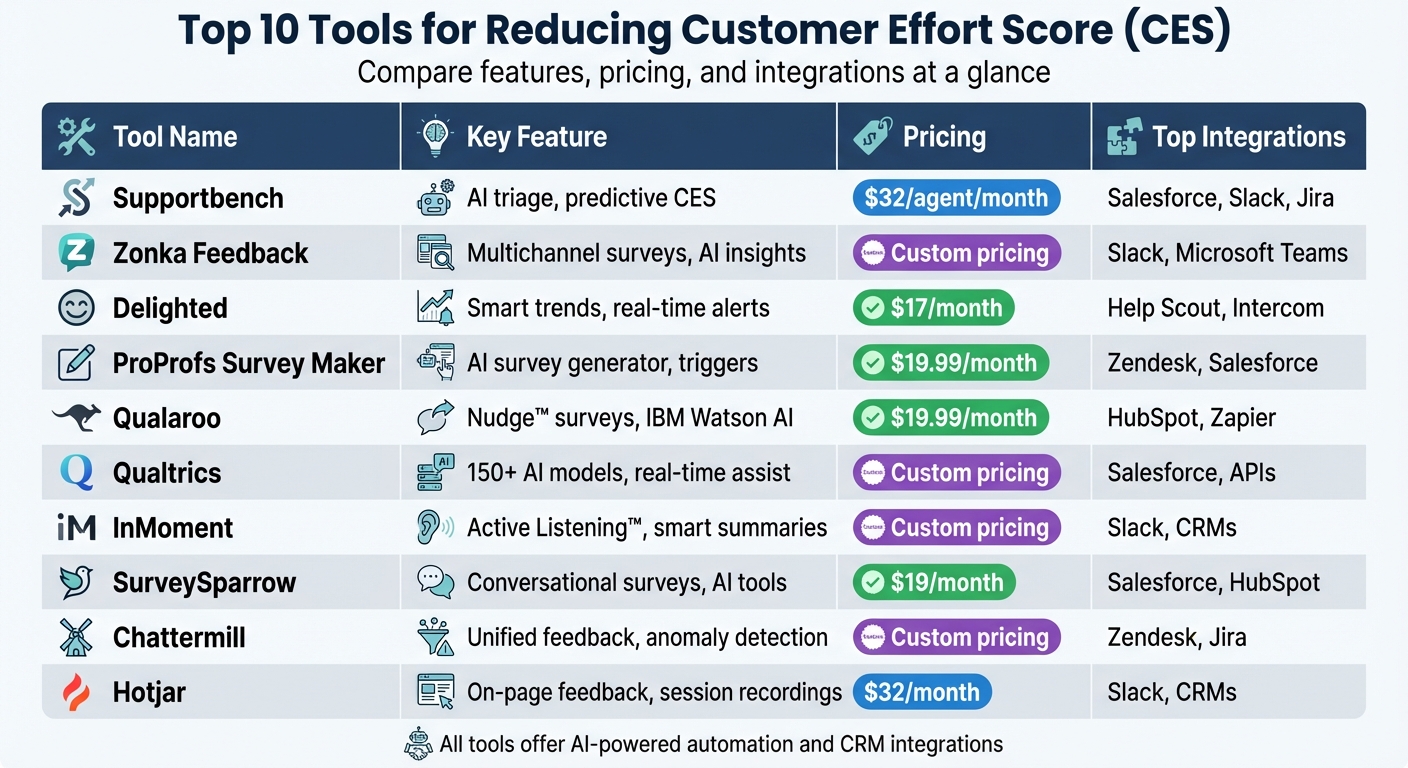
Top 10 CES Tools Comparison: Features, Pricing, and Integrations
What is Customer Effort Score (CES) | How to calculate CES | When to use CES
sbb-itb-e60d259
1. Supportbench
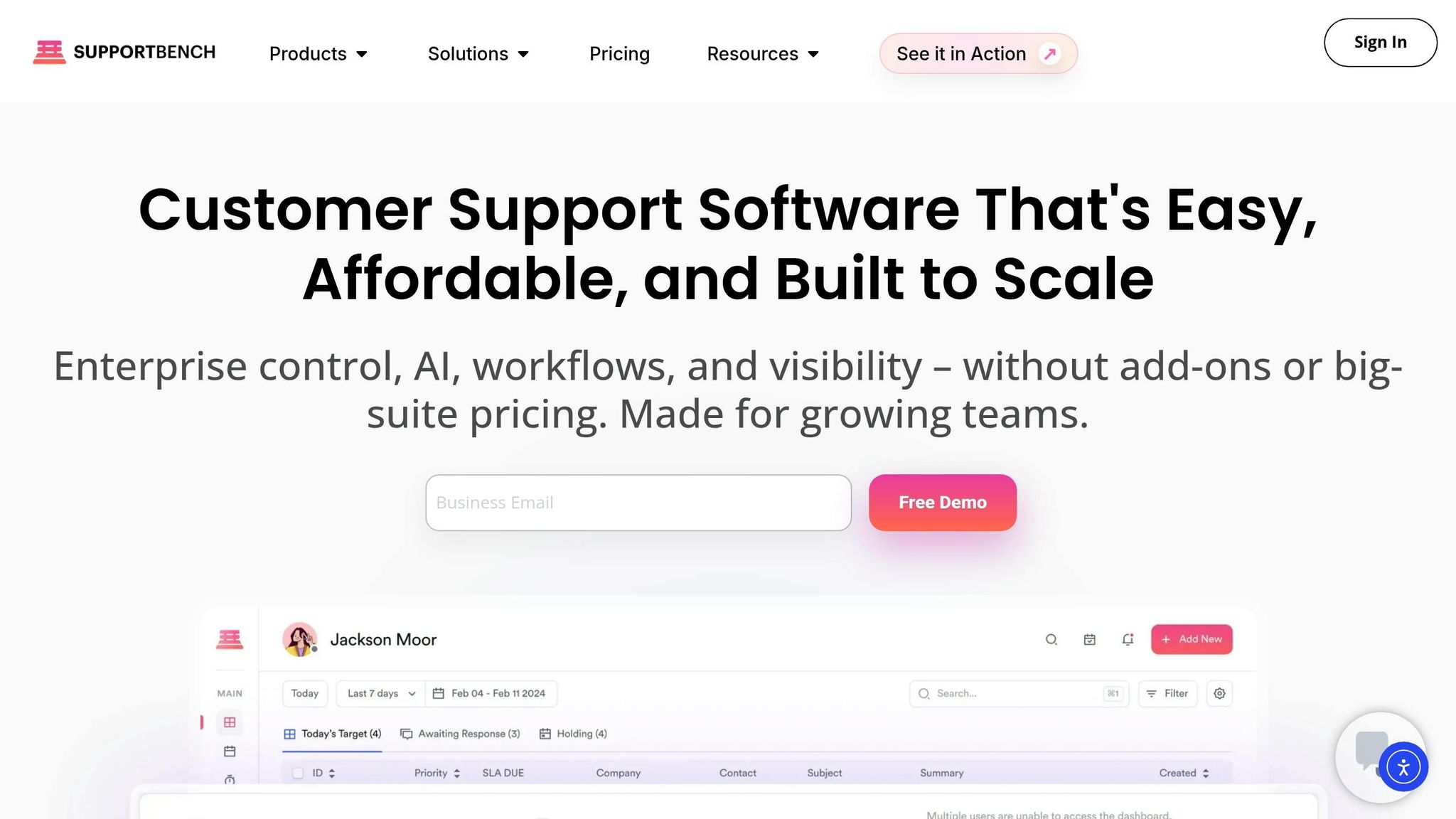
Supportbench is a B2B support platform built with AI at its core, designed to handle the unique challenges of complex accounts and long-term cases. It’s tailored for environments with multiple stakeholders, technical escalations, and situations where customer renewals are on the line.
AI-driven automation features for reducing customer effort
The AI Copilot is a standout feature, offering instant response suggestions by pulling insights from past cases and the knowledge base. This dramatically cuts down the time agents spend searching for information. Using natural language processing (NLP), Supportbench also routes tickets intelligently, analyzing content, sentiment, and urgency to ensure cases land with the right specialist immediately. This eliminates the dreaded "ticket tennis" and avoids delays caused by manual triaging.
"AI is revolutionizing the operational backbone of support by bringing intelligence and context-awareness to ticket routing and prioritization."
- Nooshin Alibhai, Founder and CEO of Supportbench [7]
Supportbench also provides predictive CES and CSAT scores by analyzing customer interactions before surveys are even completed. This helps teams proactively identify and address high-effort cases. Additionally, its AI-powered quality assurance reviews every single ticket for tone, empathy, and accuracy, offering instant feedback to agents. These features collectively simplify support interactions and reduce customer effort.
Real-time feedback collection and analysis
Supportbench ensures feedback is captured immediately through post-interaction surveys triggered after ticket closures or chat sessions. Real-time dashboards display CES scores and sentiment trends, helping teams quickly act on recurring issues, such as billing problems.
For example, a mid-market SaaS company in Texas used Supportbench to implement AI-driven triage and self-service tools. Within three months, they reduced their average CES from 3.2 to 2.1 on a 5-point scale. Automating 60% of Tier 1 tickets led to 28% fewer escalations and saved $150,000 annually in support costs, all while boosting customer retention [9][10].
Customizable workflows and integrations for seamless operations
Supportbench’s no-code workflow builder uses trigger-based logic to automate support processes. It integrates natively with platforms like Salesforce (with bi-directional sync), Slack, Jira, HubSpot, and Microsoft Dynamics, creating a unified system for customer data and communication. Dynamic SLAs adjust automatically based on factors like customer tier, product line, or renewal status, ensuring timely responses.
A great example comes from Payfirma, a Vancouver-based payment processing company. By leveraging Supportbench’s intelligent workflows and CRM integration, they cut case resolution times by 50% while significantly improving first response times for their 800–1,000 monthly support requests, serving nearly 10,000 customers [8]. These tools directly reduce customer effort by speeding up resolutions.
Self-service optimization and knowledge base capabilities
Supportbench makes maintaining a knowledge base effortless. With one click, resolved tickets are converted into searchable articles, keeping self-service tools up-to-date. Its AI-driven search and organization features help customers find answers quickly, cutting inbound ticket volume by 20–30% [6].
Following Knowledge-Centered Service (KCS) principles, Supportbench separates internal and external repositories. Agents have access to detailed technical data, while customers see a simplified, user-friendly portal. The AI assistant further enhances self-service by suggesting relevant articles in real time and drafting new content based on case history. These features empower customers to solve issues independently and more efficiently.
Supportbench’s pricing starts at $32 per agent/month, offering all enterprise features, AI tools, and live human support from day one. There are no hidden fees or gated features. The platform also defaults to U.S. standards, including USD currency, MM/DD/YYYY dates, and comma-separated numbers, making it an easy fit for U.S.-based support teams.
2. Zonka Feedback
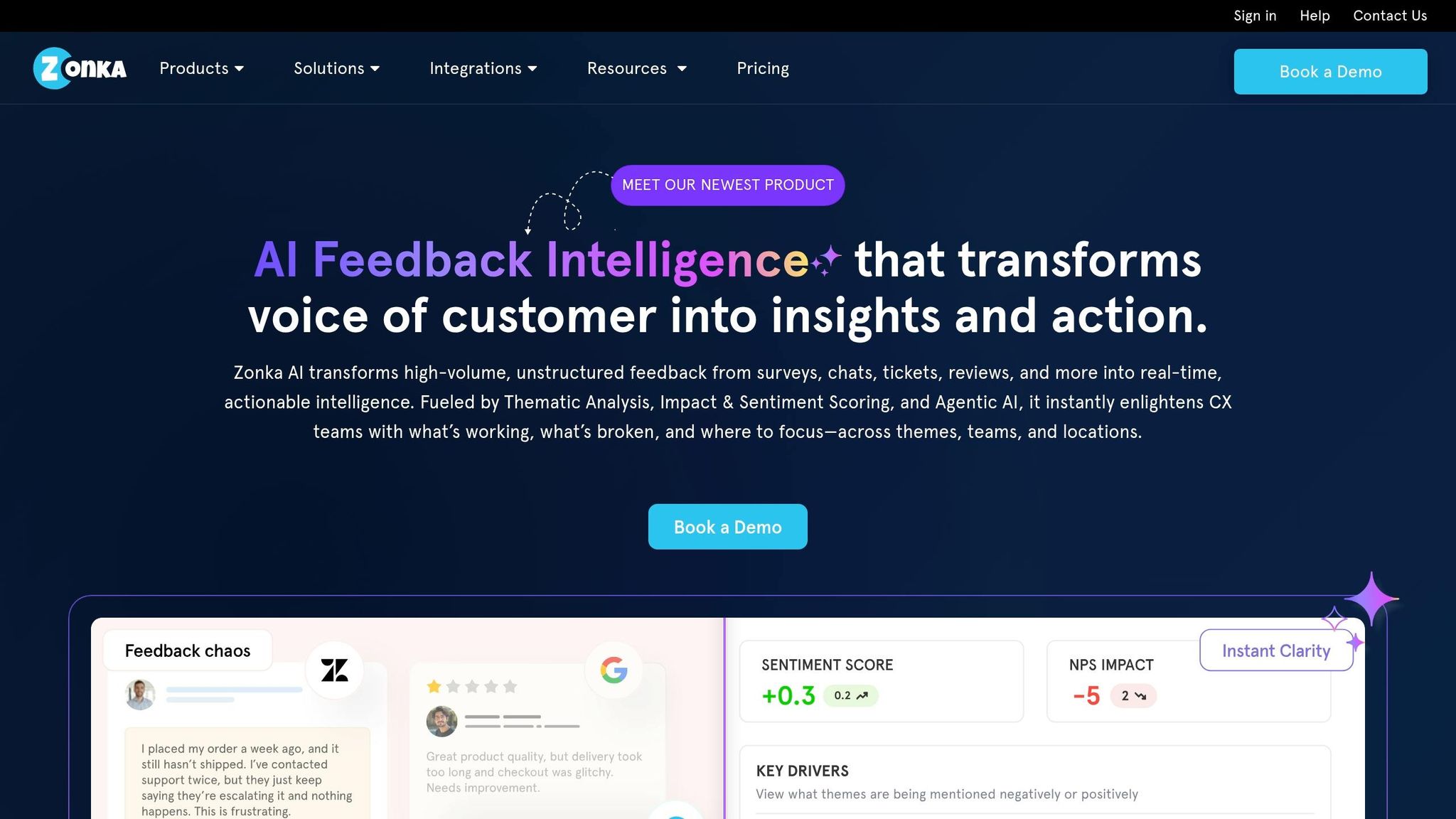
Zonka Feedback is a multichannel feedback platform that uses AI to identify and address high-effort customer interactions before they escalate. By analyzing CES survey responses, chat logs, and email feedback, the platform pinpoints friction points, helping support teams resolve issues proactively. Here’s how Zonka Feedback leverages AI to simplify customer interactions.
AI-powered tools for reducing customer effort
The platform’s AI flags high-effort interactions by evaluating sentiment and urgency across various channels. It clusters recurring issues – like "complex checkout" or "delayed response" – and prioritizes urgent tickets to ensure quicker resolutions.
Real-time feedback collection and analysis
Zonka gathers customer feedback at every touchpoint, including Email, SMS, WhatsApp, Web Widgets, in-product surveys, and even offline channels. With a 4.7/5 rating on G2, users have praised its extensive integrations and the ability to create surveys in just minutes [1].
In 2025, SmartBuyGlasses, a retail and e-commerce company, adopted Zonka Feedback to transform its feedback process. Using multilingual surveys and automated workflows, the company boosted its Net Promoter Score (NPS) by 30% [11].
"Zonka Feedback has been a game changer for us. We’ve managed to increase our NPS by 30%." – SmartBuyGlasses [11]
Custom workflows and seamless integrations
Zonka’s CX Workflow Designer automates tasks like sending response notifications, routing feedback to specific agents, and creating follow-up tickets when negative feedback is detected. It integrates CES, CSAT, and NPS data into CRM profiles, equipping agents with complete customer context. Teams also receive real-time alerts on Slack or Microsoft Teams for low CES scores [11].
Zonka Feedback offers a 14-day free trial with access to all core features. After that, pricing is customized based on business needs. The platform adheres to U.S. standards, using USD currency and MM/DD/YYYY date formats.
3. Delighted
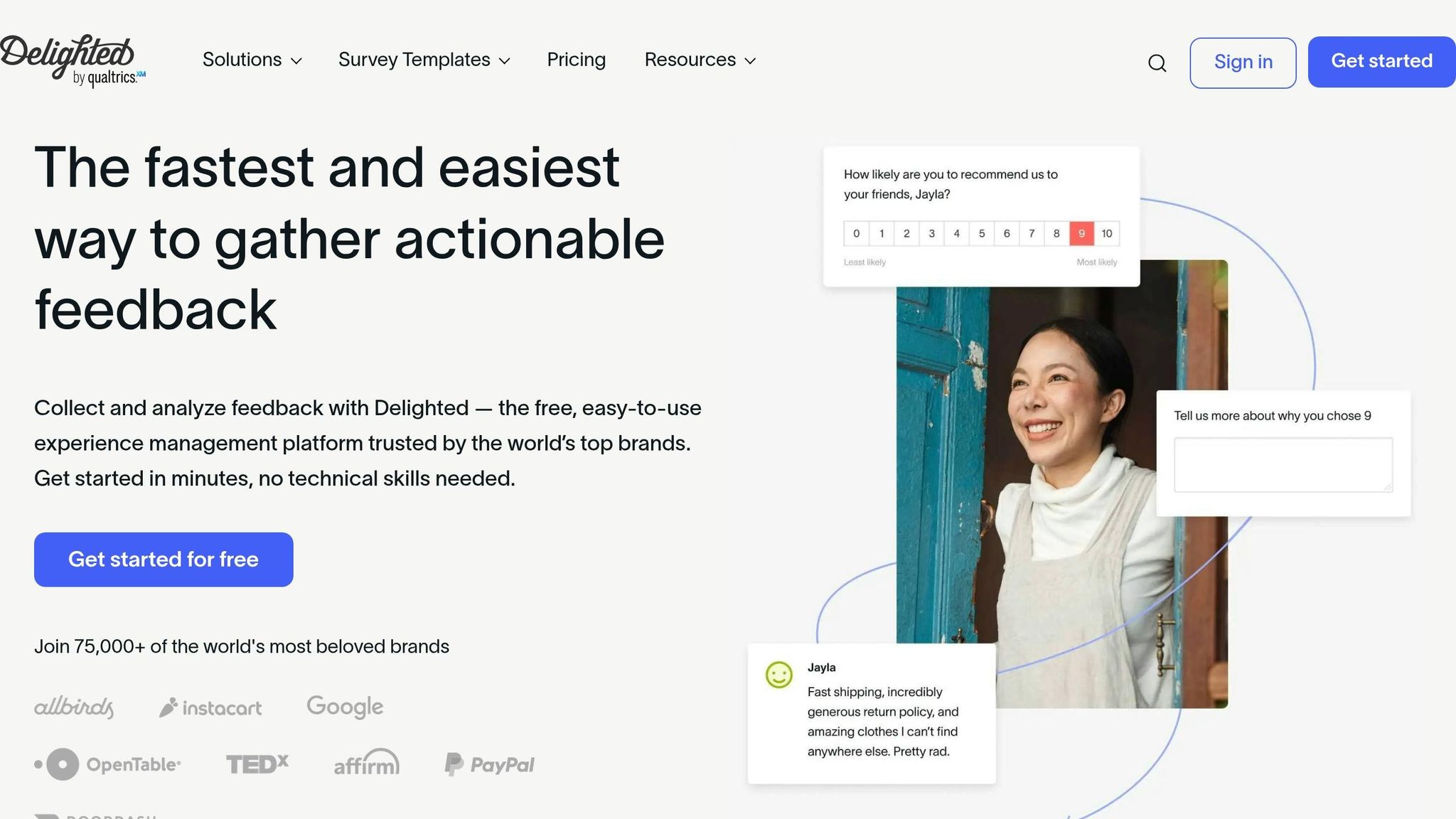
Delighted is a feedback platform that handles over 300 million surveys annually, with an impressive rate of 45 responses per second [38, 40]. Using AI, it identifies pain points in customer interactions, helping support teams address issues before they become bigger problems. This proactive approach sets the stage for advanced AI tools that simplify support processes.
AI-Driven Automation Features for Reducing Customer Effort
Delighted’s Smart Trends leverages AI to analyze open-ended feedback, highlighting commonly used keywords and themes. This helps teams spot recurring issues on a larger scale [38, 39]. Another feature, AI Recommended Questions, powered by Qualtrics AI, suggests relevant survey questions based on initial inputs, making the survey creation process more intuitive [13].
The platform also uses alerts to route low CES (Customer Effort Score) feedback directly to team members via email or Slack. This ensures quick action on high-effort interactions, improving customer satisfaction [38, 40, 41]. Research from Gartner underscores the importance of this: 96% of customers who face high-effort service interactions are more likely to become disloyal, compared to just 9% who experience low-effort interactions [12].
Real-Time Feedback Collection and Analysis
Delighted gathers feedback through various channels like email, web, SMS, and in-app surveys (compatible with iOS and Android SDKs). Surveys are sent immediately after customer interactions, and feedback is displayed instantly on a real-time dashboard. CES scores are calculated as responses come in, providing up-to-the-minute insights [38, 39, 40].
These real-time insights allow teams to dig deeper into feedback data. They can filter results by agent, interaction channel (chat, email, or in-person), location, or custom properties to identify where customers are facing the most friction [37, 38]. Bonobos, a clothing retailer, shared how this has helped them:
"Everyone at Bonobos needs a direct line to customers for feedback. I know that due to Delighted, we avoided disaster" [37, 38].
Customizable Workflows and Integrations for Seamless Operations
Delighted integrates with popular help desk tools like Help Scout and Intercom, automatically triggering CES surveys once a ticket is closed [42, 38, 40]. It can also create support tickets based on specific response criteria, such as low scores or flagged keywords [40, 41]. Additionally, syncing feedback data with CRM systems like Salesforce and HubSpot gives agents greater context for customer interactions, aligning with practices used by other leading CES tools [38, 40, 6].
For those exploring Delighted, the platform offers a free-forever plan for basic surveys, with paid plans starting at $17/month for the Standard Plan [38, 1]. Enterprise pricing is available for organizations needing advanced features like Salesforce integration and support for multiple brands [39, 6]. The platform adheres to U.S. standards, using USD currency and MM/DD/YYYY date formats.
4. ProProfs Survey Maker
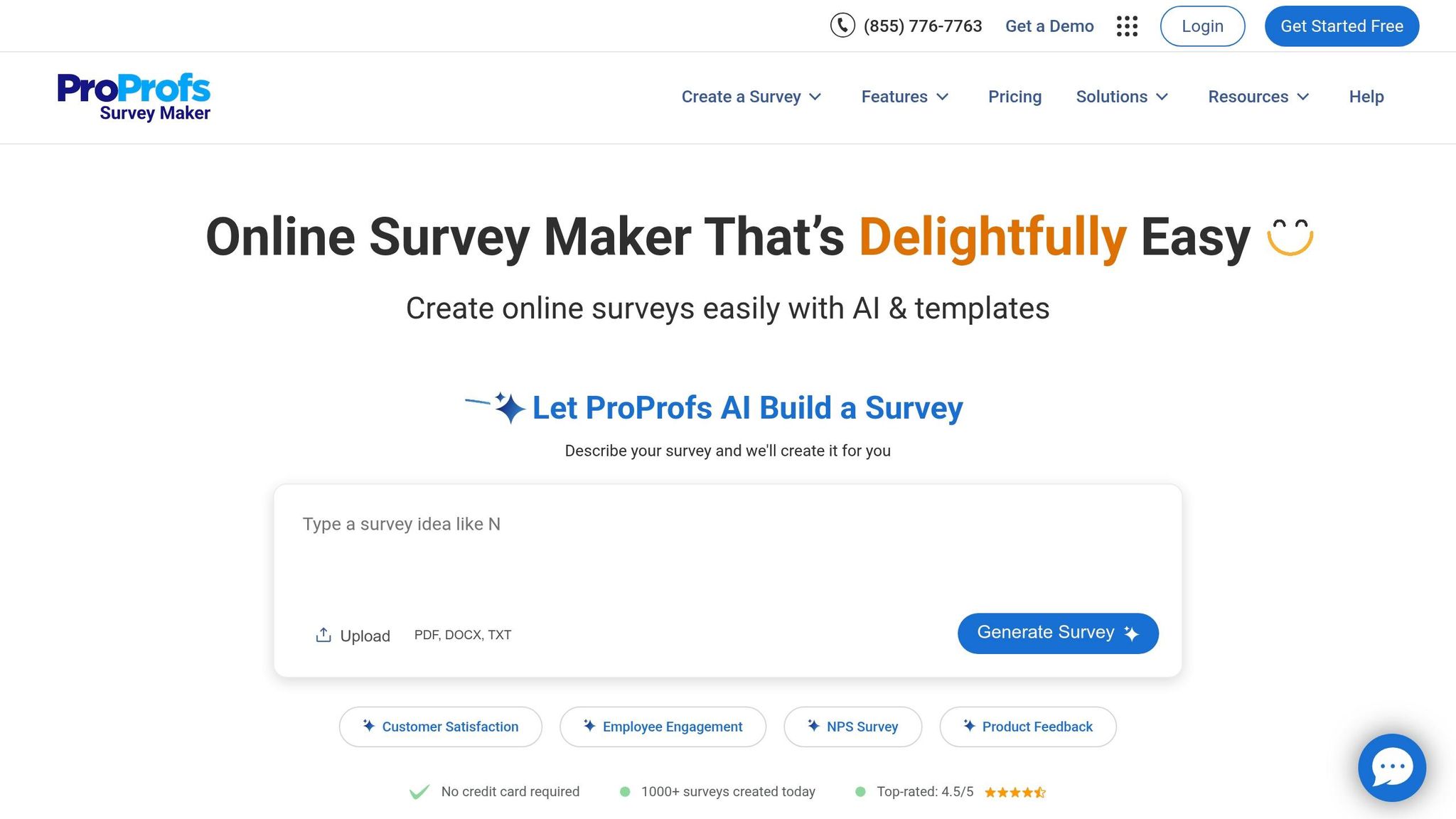
ProProfs Survey Maker has facilitated over 50,000 surveys, gathering millions of responses along the way [14]. By combining AI-powered survey creation with real-time analytics, it helps support teams pinpoint and address customer effort friction points. With access to a massive library of over 1,000,000 pre-made questions, teams can kickstart CES (Customer Effort Score) measurement programs almost instantly [14]. Designed with B2B operations in mind, this tool aligns with modern support strategies, making feedback collection both efficient and actionable.
AI-Driven Features That Simplify Feedback Gathering
ProProfs’ AI Survey Generator stands out by creating entire surveys in seconds. All teams need to do is describe their goals or survey topics, and the AI takes care of the rest, generating relevant and unbiased questions [14]. This eliminates the time-consuming process of manually crafting questions. Shivani Dubey, Author & Editor at ProProfs, explains:
"The AI helps you craft clear, direct, unbiased questions for reliable feedback." [17]
The platform also calculates CES scores automatically, presenting results in real-time dashboards. This removes the hassle of manual data entry and analysis [4]. Additionally, its AI capabilities identify recurring themes in feedback, speeding up the process of resolving customer pain points [17]. For global teams, ProProfs supports translations in over 90 languages, ensuring a smoother experience for non-native speakers [16].
Instant Feedback and Real-Time Analysis
Smart Triggers ensure feedback is collected precisely when it matters most. Surveys can be triggered by specific actions like time spent on a page, scrolling behavior, or exit intent [16]. This approach captures fresh, accurate responses instead of relying on delayed recollections.
Emma David, a Market Research Specialist, highlights the platform’s value:
"ProProfs gives you live analytics that clearly show what’s working and what’s not. You can spot patterns, track satisfaction levels, and make smarter decisions." [4]
Smart Triggers, combined with features like skip logic, make surveys more engaging by personalizing the experience. This reduces survey fatigue and ensures higher-quality responses [4]. Research backs this up: 94% of customers who experience low-effort interactions express a willingness to repurchase, while a CES score below 4 can signal a 20% increase in churn rates [4].
Seamless Workflows and Integrations
ProProfs Survey Maker integrates effortlessly with popular tools like Zendesk, Salesforce, HubSpot, Mailchimp, and Zapier. These integrations allow support teams to create customized workflows that complement AI triage and self-service initiatives [14]. For instance, the platform can automatically convert low CES scores into support tickets, enabling teams to address high-effort interactions immediately [16]. Feedback data also syncs with CRM dashboards, giving agents detailed context for customer interactions [14].
The platform offers a free plan that supports up to 50 responses and includes premium features [4]. Paid plans start at $19.99/month for the Essentials Plan, which includes 100 responses or 1,000 email sends and unlimited AI capabilities. Business plans range from $39.99 to $149.99/month, depending on the required response volume [15]. ProProfs Survey Maker maintains high user ratings, with a 4.6/5 on G2 and 4.8/5 on Capterra, where users frequently praise its no-code builder and AI-driven sentiment analysis [4].
5. Qualaroo
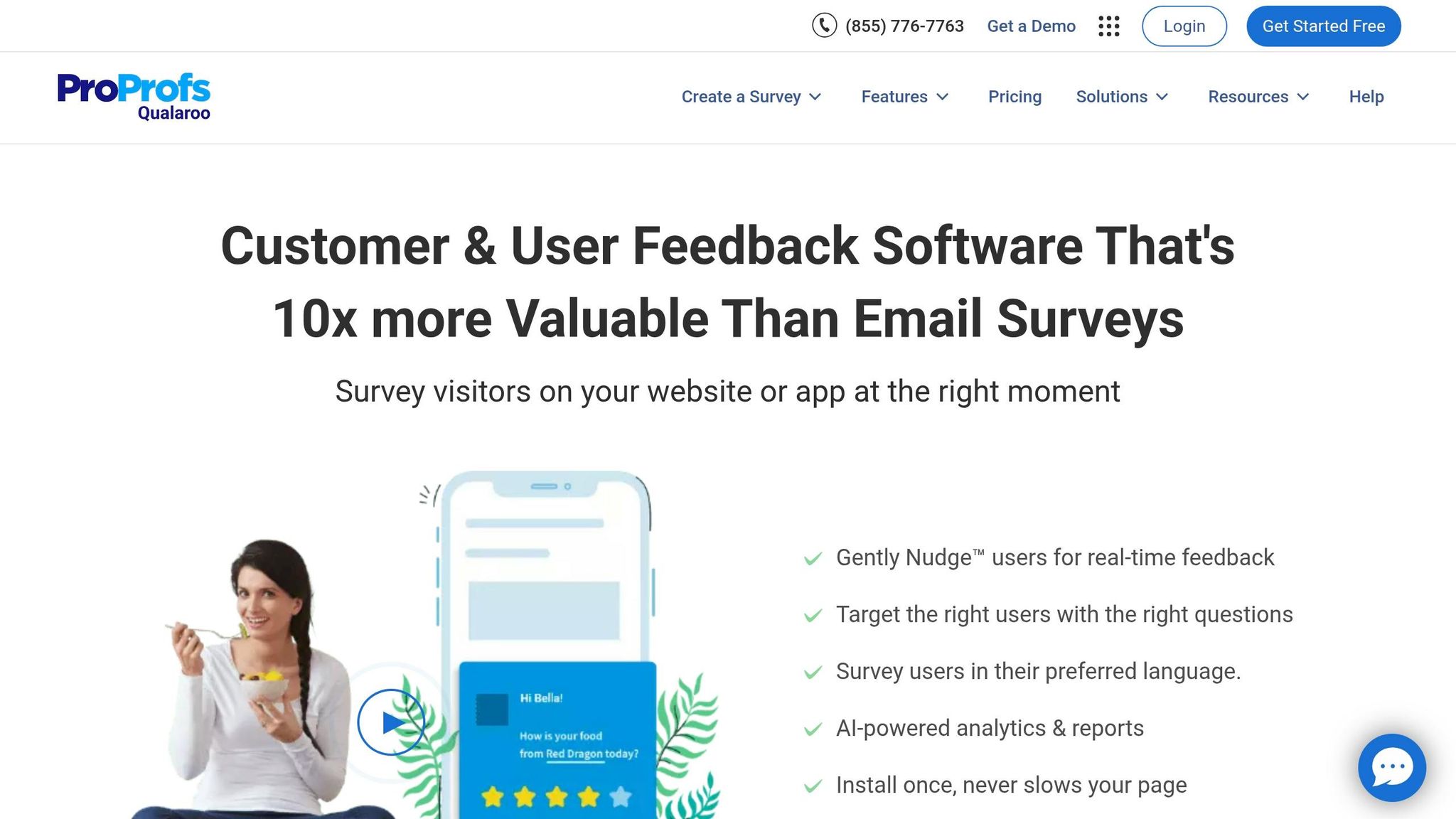
Qualaroo offers a fresh way to cut down on customer effort by gathering feedback instantly. Instead of waiting days to send out email surveys, it uses Nudge™ technology to launch micro-surveys triggered by actions like exit intent, scroll depth, or time spent on a page [19][22]. This real-time feedback approach boosts response rates to between 10% and 30%, far surpassing traditional methods [19][23]. By addressing issues as they arise, this method pairs perfectly with modern AI-driven support strategies.
AI-Powered Automation for Effortless Feedback
With IBM Watson Sentiment Analysis, Qualaroo processes open-text responses automatically, sorting them by sentiment and spotting recurring themes [19][22]. This quick emotional analysis reduces the effort customers need to put into explaining their concerns. Additionally, the AI survey builder simplifies the process by creating full survey drafts from basic prompts, like "create a churn survey", saving significant setup time [21]. For urgent feedback or low CES scores, automated escalations instantly notify teams via Slack or CRM systems, ensuring prompt action [20].
Real-Time Feedback That Drives Results
Qualaroo shines in capturing feedback in the moment, offering insights while the experience is still fresh. As their editorial team explains:
"Recollection of customer experience (CX) drops very fast once a customer leaves your website or app. Collect feedback from customers while they are looking at your product in real-time." [22]
Hootsuite saw the benefits firsthand. Jaxon Lam, Senior Strategist at Web Growth for Hootsuite Media Inc., shared:
"Qualaroo gave us a 16% lift in conversion at 98% statistical significance." [22]
With branching logic, the platform ensures follow-up questions are relevant, reducing survey fatigue and keeping data quality intact [19][21]. This is crucial because customer effort is 40% better at predicting loyalty than traditional satisfaction metrics [19].
Flexible Workflows and Integrations for Smooth Operations
Qualaroo integrates with tools like Salesforce, Slack, HubSpot, Marketo, and Zapier, supports over 70 languages, and can even embed into design prototypes from Figma, Adobe XD, or InVision to measure customer effort before launch [19][21]. Exit-intent Nudges on key pages help uncover why users leave, providing actionable data to refine self-service options [21].
The platform offers a free plan with premium features, limited to 50 responses and 10,000 pageviews [22]. For more robust needs, the Essentials Plan starts at $19.99/month, offering unlimited responses and 1,000 email sends [22]. With a 4.7/5 rating on Capterra and 4.4/5 on G2, users frequently commend its Nudge technology for being non-intrusive and its sentiment analysis powered by IBM Watson for delivering actionable insights [21][22].
6. Qualtrics
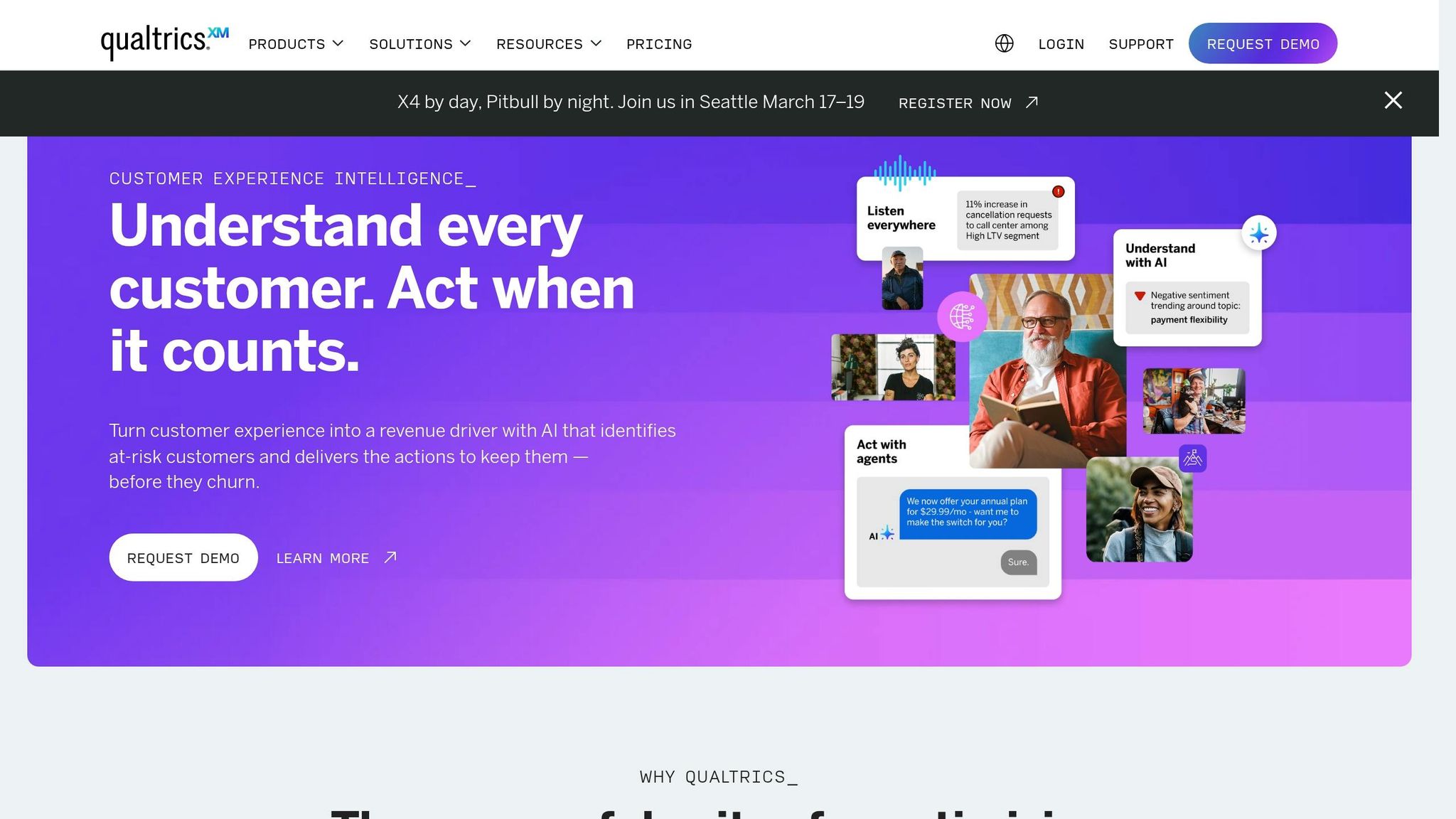
Qualtrics focuses on simplifying customer interactions by analyzing them in real time, aiming to reduce the effort customers need to exert [28]. By combining data from surveys, calls, chats, social media, and reviews, the platform delivers a comprehensive view of the customer experience [25]. This is critical because high-effort service interactions drive 96% of customers toward disloyalty, compared to just 9% for low-effort experiences [28].
AI-Driven Automation Features for Reducing Customer Effort
With over 150 AI models, Qualtrics enhances feedback collection by prompting customers to elaborate on vague responses, improving data quality by up to 40% and increasing response rates by 7% [24][26]. The Insights Explorer tool processes thousands of open-text responses in less than five minutes, identifying gaps in the customer experience [24].
Other features include automated call summaries that capture key details and Real-Time Agent Assist, which provides actionable suggestions and relevant knowledge articles based on the customer’s intent and emotions [24].
Real-Time Feedback Collection and Analysis
Qualtrics goes beyond traditional feedback by monitoring behavioral signals, such as rage clicks, to identify user experience issues before formal feedback is even submitted [24]. Isabelle Zdatny from Qualtrics XM Institute highlights that excessive reliance on AI for cost-cutting can be noticeable to customers, potentially affecting their experience [27].
The platform’s Experience Agents address friction points in real time during surveys or digital interactions. These agents can resolve issues on the spot, like processing refunds or assisting with complex tasks [28]. Michael Beste, SVP Analytics at GM Financial, explained the value of these features:
"Analyzing the thousands of customer conversations from chat and phone calls plays a key role in knowing what our customers are thinking. [Qualtrics] extracts the topics & emotional tone from thousands of daily customer interactions." [31]
Customizable Workflows and Integrations for Seamless Operations
Qualtrics integrates with CRMs and other business tools through APIs, enabling closed-loop workflows. Its AI Response Task feature summarizes feedback and suggests next steps, while Experience Agents provide concise ticket summaries and actionable recommendations [29][30][31][33].
Matt Lombardi, Global VP of Customer Experience, shared his thoughts on the platform:
"With Qualtrics, enabling the right teams to take action on customer feedback has become intuitive and seamless – this has elevated our customer experience to new heights across every moment that matters to our customers." [29]
The Transactional Customer Effort Score (CES) solution, available with certain licenses like Research Core 3 or Customer Experience 1, automates survey triggers immediately after customer interactions or purchases [32][28]. By combining AI-driven insights with automation, Qualtrics plays a crucial role in simplifying customer support and reducing effort for users.
7. InMoment
InMoment simplifies customer support interactions by leveraging advanced automation and sentiment analysis. It can automatically assess customer effort, intent, and emotion in real time, providing immediate insights into friction points. This proactive approach helps support teams address problems before they escalate, tackling the very issues that often lead to customer churn. With a 4.9/5 rating and a 99% recommendation rate, InMoment was also recognized as the "Best Overall NLP Company 2023" by the AI Breakthrough Awards [34][36][39].
AI-Powered Tools to Minimize Customer Effort
InMoment’s Active Listening™ feature uses conversational bots and real-time analytics to gather 2.4x more actionable data [34][39]. Its Smart Summaries tool organizes feedback into structured insights, cutting manual analysis time by 75% and saving around $8,000 per insights report [34][39].
The platform’s Natural Language Processing (NLP) capabilities help identify and resolve customer issues before they even reach support teams [37]. Additionally, its Impact Prediction tool uses predictive analytics to simulate how certain actions will influence key metrics like CES, NPS, and CSAT. This allows teams to prioritize changes that deliver the most value. Tony Darden, COO at Jack in the Box, highlighted its effectiveness:
"The use of the InMoment AI will allow us to easily analyze feedback in all of its forms to receive more detailed and immediate insight from a wider variety of guest experiences." [34][39]
Real-Time Feedback and Analysis Across Channels
InMoment collects feedback from multiple channels, including email, SMS, Intercom chat, and in-app microsurveys [35][38]. Event-based triggers launch CES microsurveys after actions like case closures, feature use, or onboarding milestones, capturing relevant feedback at the perfect moment [35][38][40]. The platform’s conversational intelligence reviews interactions between agents and customers across channels, generating automated summaries that can reduce Average Handle Time by up to 33% [41].
Using machine learning, InMoment analyzes open-ended feedback to uncover key themes and sentiment, enabling teams to quickly prioritize improvements [38]. Tyler Saxey, Director of Customer Experience at Foot Locker, shared:
"Spotlight enables us to categorize feedback and tell us where we are doing well and where we are falling short, whether it’s in customer service, online checkout, product quality or other areas of the business." [36]
Custom Workflows and Seamless Integrations
InMoment integrates with CRMs to trigger workflows based on CES scores [35][38]. Its AI-driven responses close feedback loops 7x faster, offering meaningful, sentiment-aware replies [39]. Users can create unlimited custom tags and filters to analyze effort by product version, region, or purchase size [35][38].
The Automated Actions feature is another standout, sending recovery emails to dissatisfied customers or recognizing high-performing employees based on AI-driven categorizations [34]. With an average ROI timeline of 12 months, significantly faster than the industry average of 25 months, InMoment demonstrates how AI can streamline CES reduction and boost operational efficiency [34][37][39].
8. SurveySparrow
SurveySparrow uses a conversational interface to make gathering feedback feel more like a natural chat than a formal survey. This design helps measure CES (Customer Effort Score) effectively by presenting questions one at a time in a chat-like format. The result? Response rates can improve by up to 40% compared to standard forms [93, 97]. By making feedback easier to share, support teams get clearer insights into where customers are encountering friction.
AI-Powered Tools to Simplify Feedback and Reduce Effort
SurveySparrow’s Wings AI Suite makes creating surveys a breeze, while its CogniVue feature analyzes open-text responses to find patterns, sentiments, and key drivers behind scores [93, 97]. The SmartReach AI takes it a step further by figuring out the best time and channel to send surveys, ensuring they reach customers when they’re most likely to respond [43].
Another standout is the Auto Loop ticketing system, which turns customer feedback into actionable tasks. It automatically assigns these tasks to the right team and tracks their progress to ensure quick resolutions [42]. Why does this matter? Customers are 2.4 times more likely to stick around when their issues are resolved quickly [42]. Additionally, the Echo AI Agent transforms open-ended feedback into automated follow-up conversations, keeping the dialog dynamic and engaging [44].
Real-Time Feedback and Instant Insights
SpotChecks allow teams to gather real-time, contextual feedback directly from websites or mobile apps. This helps identify and address friction points as they occur [93, 99]. For example, in 2025, Tata Digital used this conversational format and achieved a 90% survey completion rate, gaining detailed insights into delivery and packaging [44].
SurveySparrow doesn’t just collect feedback – it makes it actionable. Real-time dashboards display data visually with shareable charts for easy collaboration [45]. Automated sentiment analysis flags issues and highlights gaps in the customer experience without requiring manual effort. Plus, the Frontline mobile app ensures teams can respond to feedback immediately, even on the go [94, 98].
Flexible Workflows and Seamless Integrations
SurveySparrow integrates with over 2,000 platforms, including CRM heavyweights like Salesforce and HubSpot. This means surveys can be triggered automatically after key interactions, such as resolving a support ticket or completing a purchase [93, 100, 103]. Users can also schedule recurring surveys (daily, weekly, or monthly) and customize questions with conditional logic to keep them relevant based on prior answers [101, 102].
Security is a priority, too. The platform is compliant with SOC 2, ISO 27001, HIPAA, and GDPR standards [43]. These features make it a strong choice for modern support teams looking to streamline workflows and reduce customer effort. Pricing starts at $19 per month, with a 14-day free trial available. With a 4.4/5 rating on G2 from over 1,900 reviews, SurveySparrow has earned its place as a trusted tool [96, 97, 103].
9. Chattermill
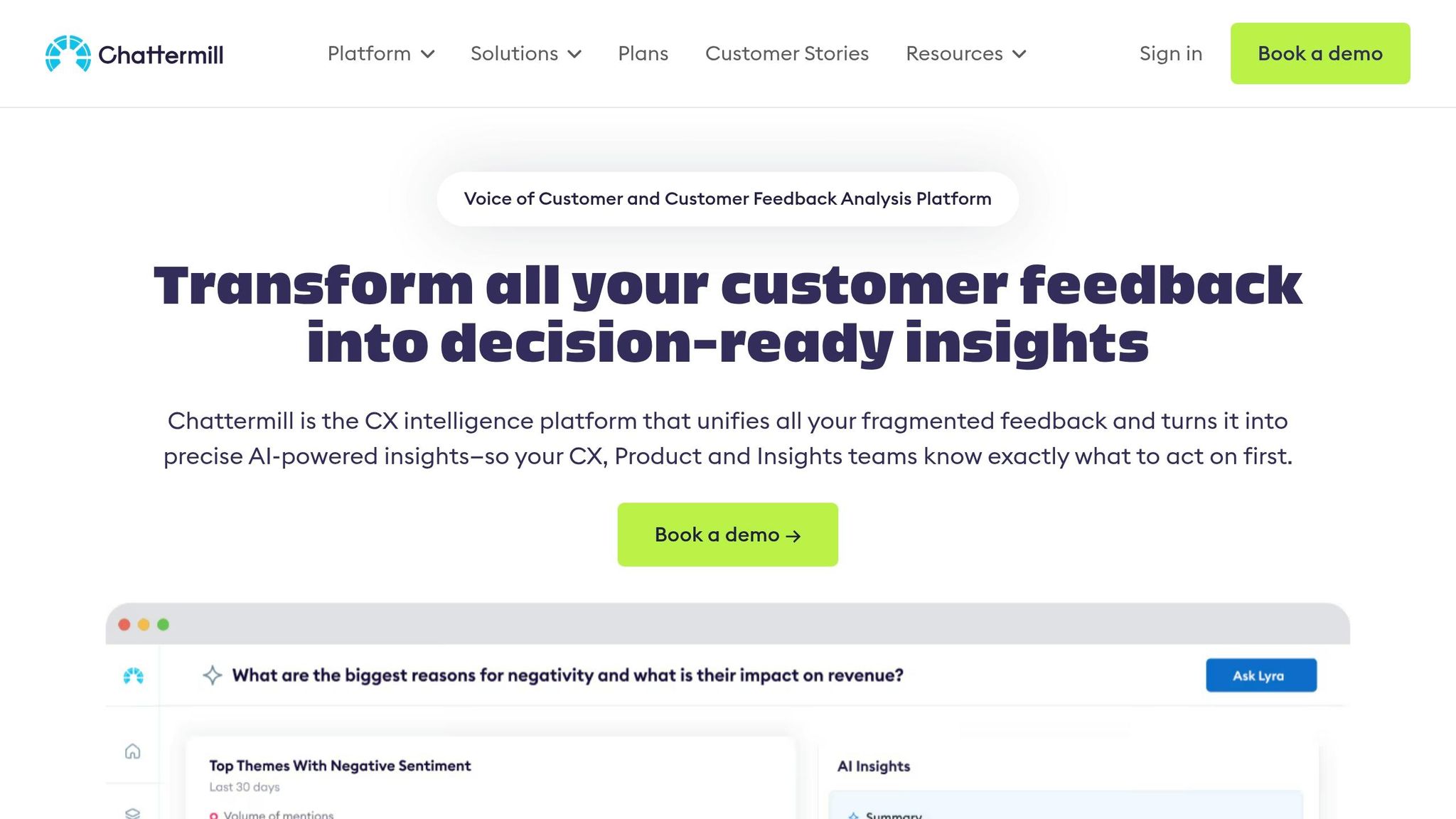
Chattermill simplifies feedback management by bringing together unstructured data from various sources like support tickets, emails, chats, calls, social media, and online reviews into a single platform. This allows support teams to see the entire customer journey without juggling multiple tools.
AI-Driven Features That Save Time and Reduce Effort
Powered by the Lyra AI engine, Chattermill processes huge amounts of unstructured text, organizing feedback into clear themes and sentiments in seconds. It also generates quick summaries of lengthy conversations, helping teams save time and identify issues faster. Jonathan Beirne, Chief Customer Officer at Music Magpie, shared:
"Chattermill has allowed us to be more effective and scalable. We no longer have to manually tag conversations, which has freed up a lot of time in our team" [47].
The platform’s automated anomaly detection highlights emerging problems, so teams can act before they escalate. Users have reported a 42.8% drop in contacts per transaction and a 144% boost in NPS [48]. These automated insights provide the groundwork for faster, real-time decision-making.
Collecting and Analyzing Feedback in Real Time
Chattermill enhances operational efficiency by identifying why customers are reaching out 10x faster than traditional methods [49]. It tracks detailed metrics to pinpoint trends impacting Customer Effort Score, CSAT, and NPS. Support teams can dig into specific issues and use the data to update knowledge bases, proactively solving recurring problems. With a 4.5/5 rating on G2 and Gartner from over 140 reviews, Chattermill has been recognized as a leader in Feedback Analytics for 2026 [46].
Flexible Workflows and Integrations for Smooth Operations
Chattermill connects seamlessly with popular tools like Zendesk, Intercom, and Jira. Teams can set up automated alerts for critical issues and notify colleagues via Slack or email. If an anomaly is detected, a Jira ticket can be created with one click, sending the issue straight to engineering. The platform doesn’t charge per-user fees; instead, pricing is based on data volume and specific business needs. A personalized demo is required to get a custom quote.
10. Hotjar
Hotjar, now part of Contentsquare, provides tools to capture customer frustrations instantly using on-page feedback widgets and session recordings. With real-time alerts, support teams can identify when users encounter issues with pages, forms, or features. This instant visibility allows teams to address problems quickly, minimizing the risk of support tickets piling up.
Real-Time Feedback Collection and Analysis
Hotjar’s "red feedback button" lets users report issues directly from the page they’re on, and each feedback entry links to a session recording for added context. Noelle Smith, Conversion Analyst at Eshopworld, highlights its effectiveness:
"We love Hotjar Feedback because it gives us instant feedback from shoppers. It doesn’t interrupt the checkout flow, and it allows us to fully understand our shopper’s experience, in real-time" [50].
By using the feedback widget on checkout pages, Eshopworld’s analysts could investigate sudden performance drops without interfering with the customer’s journey [50][53]. The importance of reducing customer effort is clear: 94% of customers who experience low-effort interactions are likely to return, while 96% of those facing high-effort interactions report being disloyal [51][52].
AI-Driven Automation Features for Reducing Customer Effort
Hotjar’s AI for Surveys simplifies the process of creating CES (Customer Effort Score) surveys and generates reports with actionable insights. The AI automatically categorizes responses with tags like "bug" or "feature request", eliminating the need for manual data sorting. Luke Calton shared his experience:
"With Feedback on the signup page, we spotted bugs we’d never seen before. Suddenly we found users who couldn’t sign up and solved the problem fast" [50].
These insights can quickly initiate workflows to resolve recurring issues.
Customizable Workflows and Integrations for Seamless Operations
Hotjar integrates with tools like Slack to send instant alerts when critical issues arise, allowing teams to act before problems escalate [53]. It also combines survey data with heatmaps to identify friction points, making it easier to optimize self-service paths. Pricing starts at $32/month, with a free plan available for up to 3 surveys [1][51]. Trusted by over 1.3 million websites in 180+ countries [50], Hotjar’s real-time alerts and automated insights help teams streamline operations and reduce customer effort efficiently.
How to Choose the Right CES Tool
Choosing the right CES tool starts with pinpointing where your customers face challenges. To gather meaningful feedback, send CES surveys right after key interactions – like resolving a support ticket, completing a purchase, or finishing onboarding. Timing is everything here. By capturing feedback while the experience is still fresh, you get more accurate insights rather than relying on customers’ fading memories [4][5].
Next, evaluate how well the tool integrates with your current systems. Seamless integration with platforms like Salesforce or HubSpot is a game-changer. These connections allow you to tie effort scores directly to specific support tickets or customer profiles. Even better, they can trigger actions like opening new support tickets or sending instant alerts through Slack. This kind of automation isn’t just convenient – it’s essential. High-effort interactions are a major reason customers switch to competitors [1][5][18].
Look for tools with AI-powered features that simplify the heavy lifting. For example, sentiment and theme analysis can group customer comments into actionable categories, like identifying a confusing checkout process or slow response times [1][4]. By automating this analysis, you can focus on fixing recurring problems rather than chasing one-off complaints. Some tools even use AI to predict churn by spotting patterns in high-effort interactions, giving you the chance to address issues before they escalate [1].
Another key feature is flexibility in survey delivery. Your CES tool should let you reach customers through multiple channels – email, SMS, WhatsApp, in-app prompts, or website embeds. This multi-channel approach increases response rates and gives you a clearer picture of where customers are struggling [1][2][18]. To avoid overwhelming your audience, keep surveys short (ideally one question) and limit them to 1–2 per customer each quarter [4].
Finally, don’t skip the free trial. This is your chance to test how easy the tool is to set up and configure. A good CES tool should offer no-code options so your team can create surveys and workflows without needing IT support [1][5]. Once you start collecting data, calculate your average CES by dividing the total ratings by the number of responses. Over time, track this score to measure progress. While a score above 5 on a 7-point scale is solid, the real win comes from empowering self-service, cutting down repeat contacts, and turning frustrating experiences into smooth ones [2][3].
FAQs
What’s a “good” CES score for B2B support?
A "good" Customer Effort Score (CES) in B2B support generally means customers experience minimal effort when interacting with your service. While there isn’t a universal benchmark for CES, the key is ensuring your processes are smooth and straightforward for customers. To improve your CES, focus on simplifying workflows and offering proactive support that anticipates customer needs.
When should I send a CES survey to get accurate results?
Sending a CES survey immediately after resolving a customer interaction – like closing a support ticket or finishing a chat – is a smart move. Why? It captures feedback while the experience is still fresh in the customer’s mind. This approach not only ensures more accurate insights but also helps gauge how much effort the customer felt they had to put in during the process.
How can I turn low CES feedback into fast, automated actions?
AI tools can take a lot of the heavy lifting out of managing customer feedback and support. For instance, AI triage systems can analyze feedback, pinpoint problem areas, and ensure tickets are sent to the right agents or resources. This means less time wasted and more efficient resolutions.
On top of that, AI chatbots and email assistants can handle common questions or issues instantly. This cuts down on response times and reduces the workload for your team. Pair these tools with real-time sentiment analysis, and your team can quickly spot and address concerns, keeping customers happier while boosting overall efficiency.
Related Blog Posts
- How do you measure support quality beyond QA scoring (and what to track instead)?
- How do you reduce customer effort (CES) in B2B support without lowering standards?
- What are the signs you’ve outgrown Help Scout (SLAs, tiers, escalations, reporting)?
- Cost Per Ticket Analysis: How to Lower Costs Without Cutting Headcount